The best CleanShot X alternative for Mac (2026)
The closest CleanShot X alternative is Zinxo: a native Mac app with the same ⌘⇧4 / ⌘⇧3 / ⌘⇧5 shortcuts, floating thumbnail, backgrounds, scrolling capture and screen recording, plus hand-drawn arrows, 3D device mockups, OCR-searchable History, an optional AI assistant and an MCP server for coding agents, for $29 one-time at launch (regular $39). Keep CleanShot X if you depend on its cloud share links.
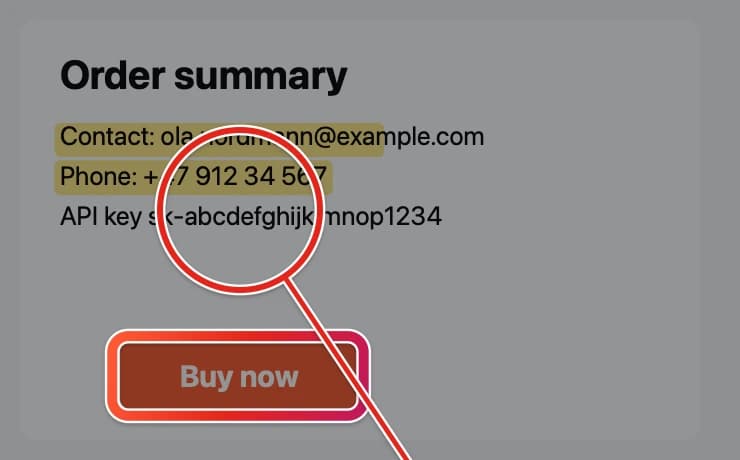
CleanShot X is the reference Mac screenshot app: fast capture, a polished annotation editor, backgrounds, scrolling capture, recording and cloud links. As of September 2026 it still has no built-in AI; its only AI hook is a Raycast integration. That’s fine if you just need pixels. It’s a gap if your screenshots mostly end up in an AI agent, a Jira ticket or Slack.
Zinxo vs CleanShot X at a glance
| Zinxo | CleanShot X | |
|---|---|---|
| Price | $29 once at launch ($39 regular), 1 Mac, 1 yr updates | $35 once, 1 yr updates, renewal $19/yr |
| ⌘⇧4 / ⌘⇧3 / ⌘⇧5, floating thumbnail | Yes | Yes |
| Scrolling capture | Yes (⌥⇧L) | Yes |
| Screen recording + GIF | Yes, video editor with text and zoom overlays | Yes, more mature (Studio Mode) |
| Hand-drawn arrows and loops | Yes, tapered, curve the way you drew | Partly |
| 3D device mockups | iPhone, iPad, MacBook, Studio Display | No |
| History searchable by on-screen text | Yes (on-device OCR) | Partly |
| Built-in AI | Optional: on-device, local or your own key | None built in |
| MCP server for Claude Code / Cursor | Yes | No |
| Cloud share links | Not yet | Yes, with custom domains |
Switching takes two minutes
- In CleanShot X: Settings → Shortcuts, clear Capture Area, Capture Window and Screenshot History (or quit CleanShot).
- In Zinxo: Settings → Shortcuts → Re-register shortcuts. ⌘⇧4, ⌘⇧3 and ⌘⇧5 now open Zinxo.
- Take a screenshot: it’s copied to the clipboard and a thumbnail appears for 5 seconds. Click it to annotate.
Where Zinxo is different
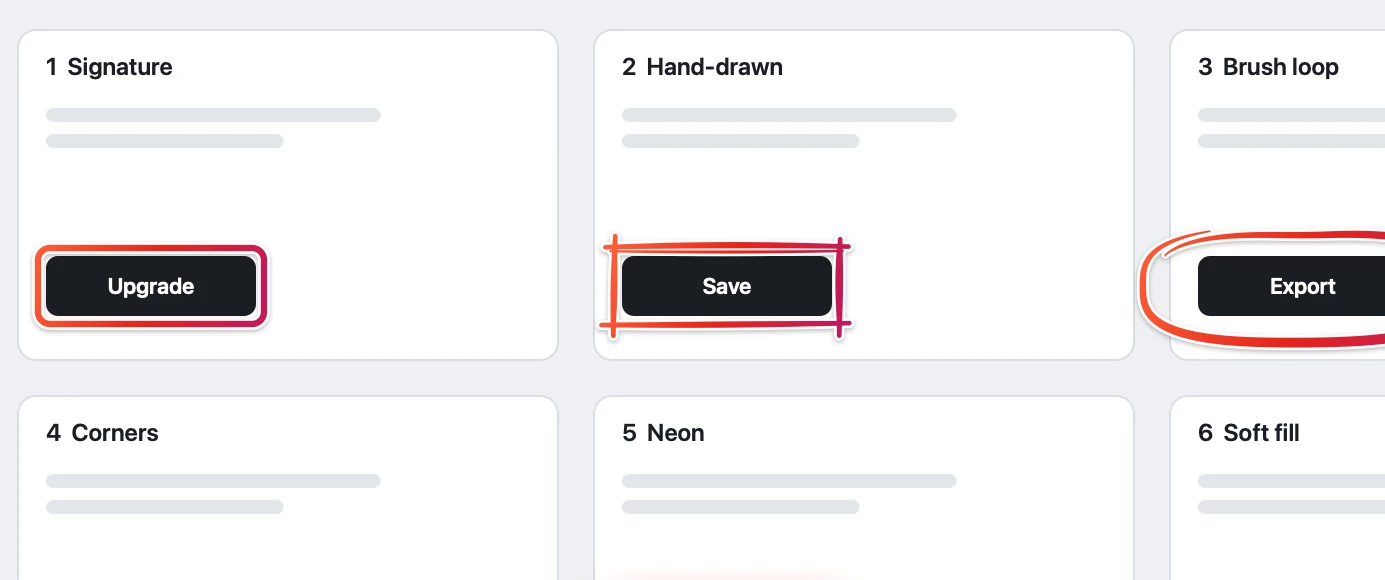
Zinxo keeps the CleanShot muscle memory and adds tapered, hand-drawn arrows that curve the way you moved, nine box styles, iMessage-style bubbles, real 3D device mockups, arrows that snap to UI elements, a History you search by the words inside screenshots, and a one-key handoff to Claude Code, Cursor, Jira or Slack. At rest it uses about 40–70 MB of memory (measured).
When to keep CleanShot X
If you share through CleanShot Cloud links every day, or rely on its more mature recording mode, keep it. Many people run both.
FAQ
Does CleanShot X have AI?
Not built in, as of September 2026. It integrates with Raycast AI. Zinxo has an optional built-in assistant and an MCP server.
Can Zinxo use the same shortcuts as CleanShot X?
Yes. Zinxo registers ⌘⇧4, ⌘⇧3 and ⌘⇧5; clear them in CleanShot’s settings first, then re-register in Zinxo.
Related guides
- The best screenshot app for Mac (2026)
- How to draw arrows on screenshots (that look hand-drawn)
- How to search the text inside your screenshots on Mac